Guide · 6 min read
Seedance Prompt Examples: Shot Order, Timestamps, and Reference Labels
Seedance prompt examples you can copy: shot labels for 2.0, second marks for 2.5, and how to point at reference images without a fake parameter table.
Published October 13, 2026 · Updated October 13, 2026
A Seedance prompt has to say what happens, in order. The rest is version grammar. Seedance 2.0, in public notes from 2026, follows shot labels and does not follow clock times. Seedance 2.5 follows integer-second ranges. This page does not invent a settings table for duration, resolution, or file limits. Those live in the product you opened. If the app and this page disagree, follow the app.
Six examples are below. They are not in the main AI video prompt guide. Paste one, then change a single line if the first clip is close.
Write the version you are actually running
Use shot labels when you are unsure:
Shot 1: ...
Shot 2: ...
Use second marks only when you know the build reads them:
0-4s: ...
4-9s: ...
Do not put both in one prompt. Do not put aspect ratio or a resolution flag in the text. Subject and action are the required parts. Camera, place, and sound are optional, and they should not repeat the action in different words.
If you attach files, name the job of each one. "Image 1 is the face. Image 2 is the street." Seedance will not reliably guess.
6 copy-paste Seedance prompts
1. Two shots, no timestamps
Shot 1: A woman in a gray sweater sits at a small table and opens a book.
Medium shot. Camera still. Soft window light.
Shot 2: She turns one page. Slow push-in to her hands and the page.
No titles. No second person.
This is the default shape. It does not depend on Seedance 2.5 reading a clock.
2. The same beat, written as seconds
0-5s: A woman in a gray sweater sits at a small table and opens a book.
Medium shot. Camera still. Soft window light.
5-10s: She turns one page. Slow push-in to her hands and the page.
No titles. No second person.
Same shot as the previous example, rewritten for a version that accepts timestamps. If the timing is ignored, you are probably on a build that wants Shot 1 and Shot 2 instead.
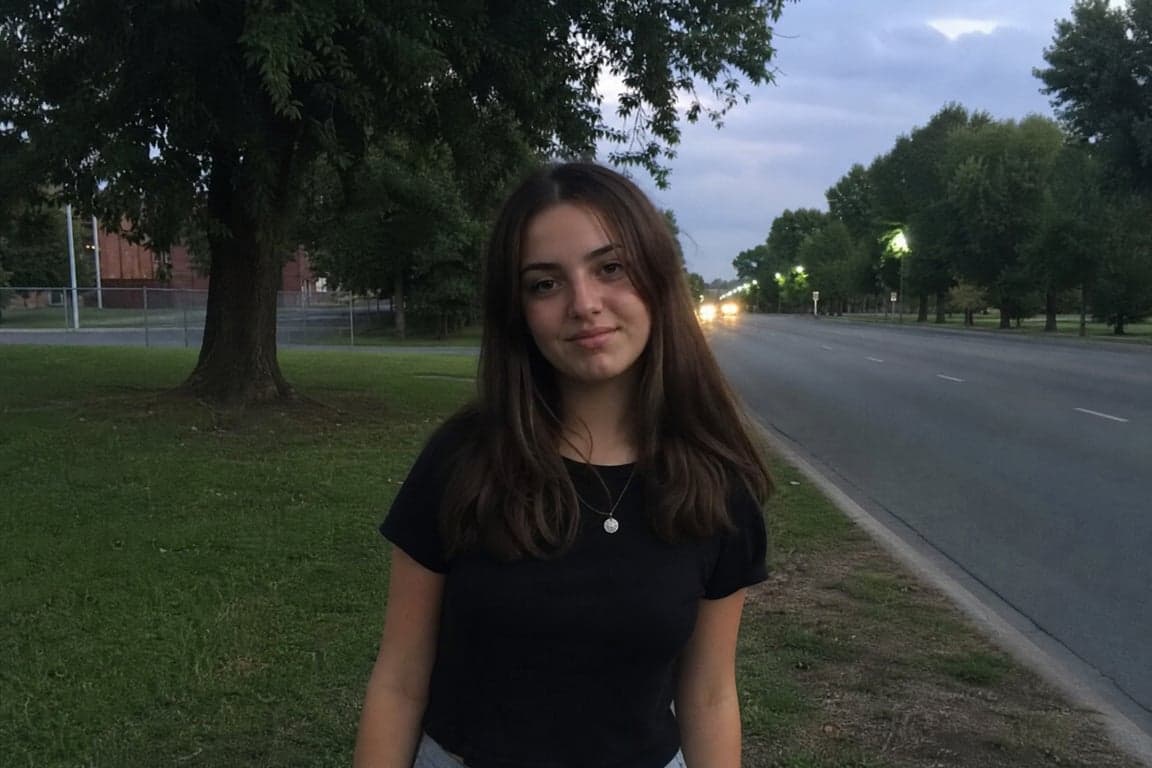
3. Motion only, from a portrait still
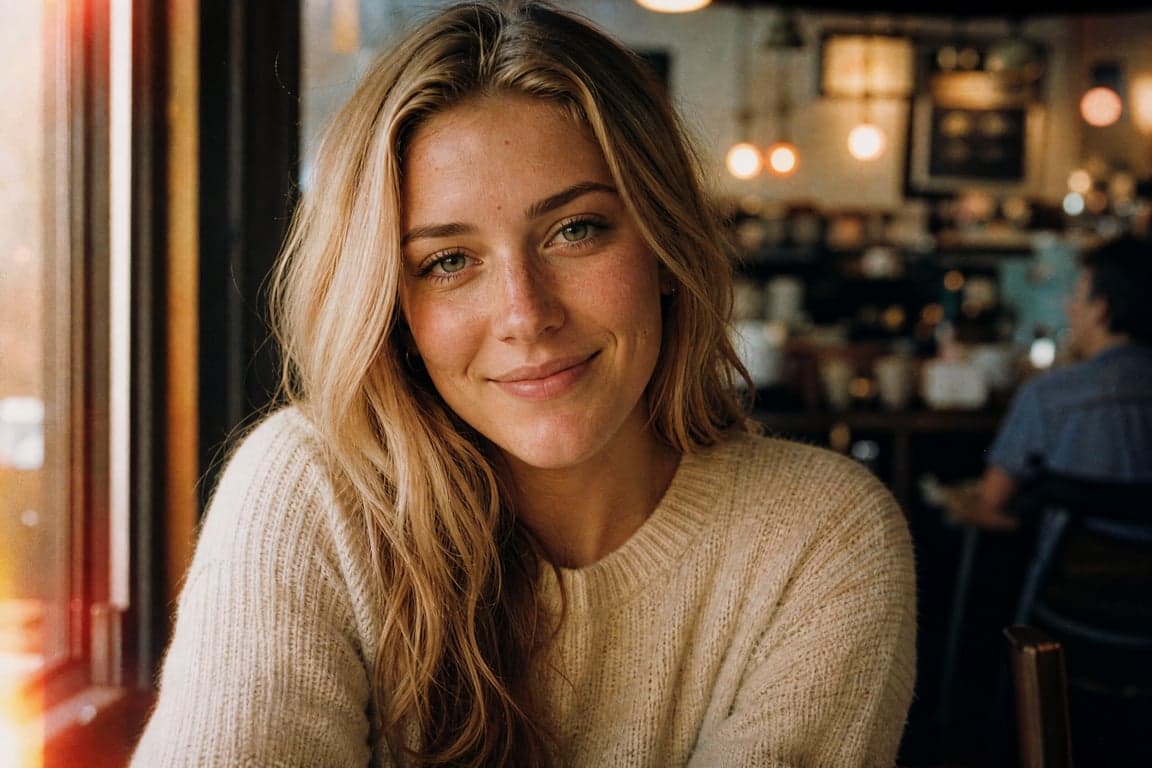
Image 1 is the person. Keep the face and skin tone as in image 1.
Shot 1: They look into the lens. Camera still.
Shot 2: They glance down and back up once. Slight push-in. The background
does not change.
The still is a portrait you already accept. The prompt is only the motion.
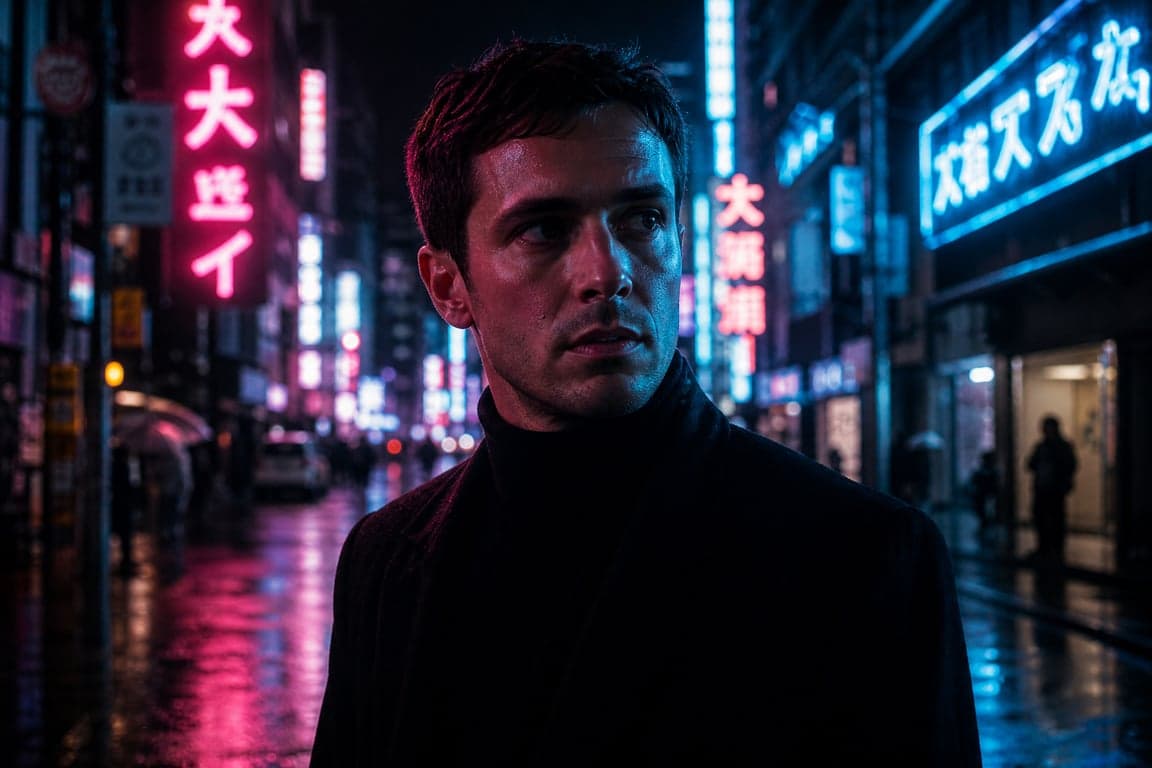
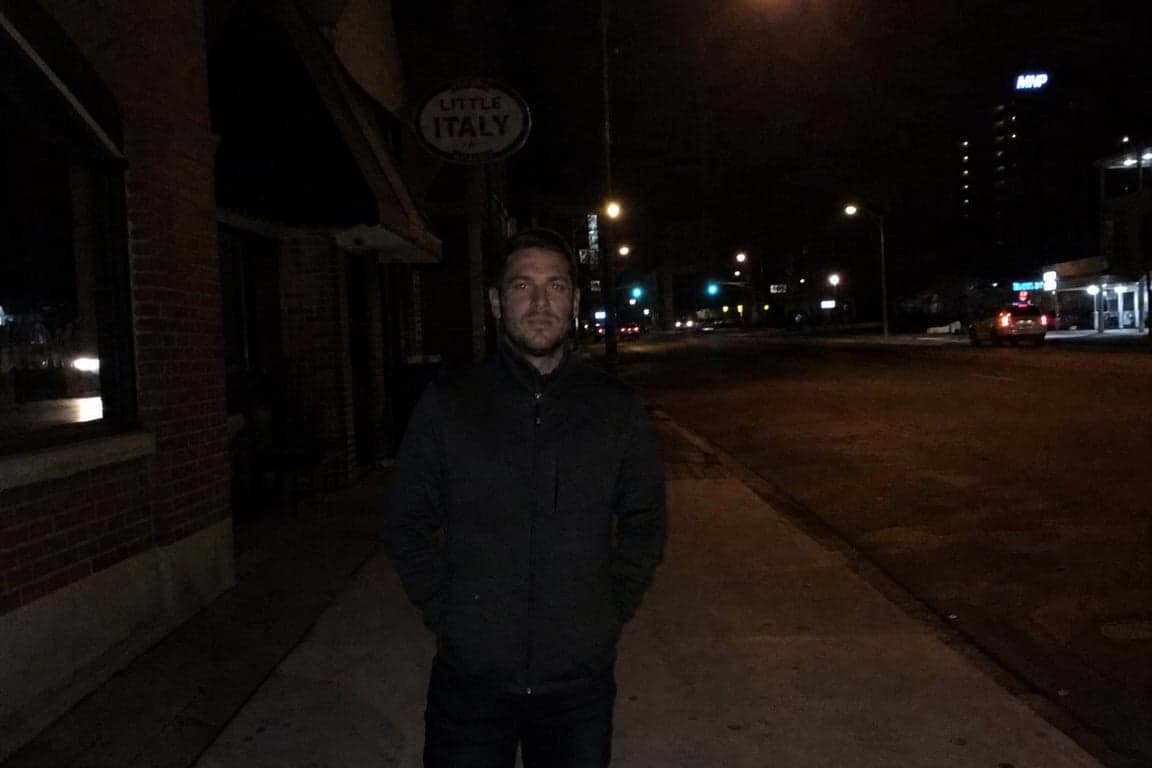
4. Reference roles, night street
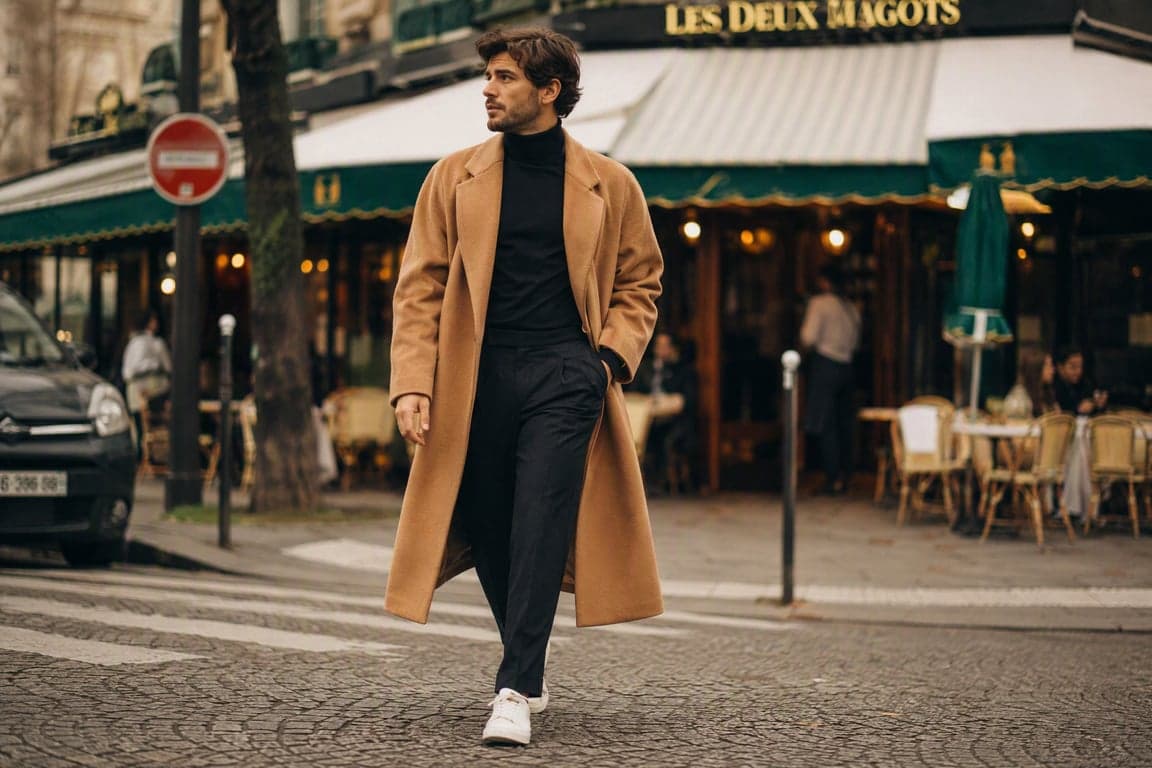
Image 1 is the man's face and coat. Image 2 is the wet street and the
neon sign. Do not change his face to match anyone in image 2.
Shot 1: He stands under the sign. Medium shot. Camera still.
Shot 2: He walks three steps toward camera. The camera tracks back to
keep the same framing.
No extra pedestrians in the foreground. No titles.
Two files, two jobs. The second shot has one camera decision: track back with him.
5. Hands, one action
Shot 1: Close view of a wooden table. A hand sets a closed notebook down.
Camera still. Daylight from the left.
Shot 2: The hand opens the notebook. Slow push-in. Five fingers, one hand.
No text on the page. No second hand entering.
Hands fail when the prompt adds a gesture you did not describe. One action per shot.
6. Three beats, still using shots
Shot 1: Rain on a cafe window. A cup sits on the table inside. Camera still.
Shot 2: A person sits and wraps both hands around the cup. Medium shot.
No camera move.
Shot 3: They look out through the wet glass. Slow push-in. The street
outside stays soft.
No logos on the cup. No titles.
Three beats is enough for a short clip. A sixth shot usually means the model drops one of them.
What to change first
If the order is wrong, you are fighting the version. Swap timestamps for shot labels, or the other way around. Do not add adjectives.
If the face drifts, shorten the action and repeat that image 1 owns the face. A new coat, a new room, and a 180-degree turn in one shot is three edits.
If the camera does two things, delete one. Push-in or track. Not both, unless they are in different shots.
Copy these from the AI video prompts list as well. Filter to Seedance. The longer comparison with Kling, Veo, and Runway is the AI video prompt guide.
FAQ
Do Seedance 2.0 prompts work on 2.5?
A single shot with a subject and an action usually does. A prompt that depends on 0-4s timing does not travel backward to a version that only reads shot numbers. Rewrite the ranges as Shot 1 and Shot 2.
Should I put the duration in the prompt?
No. Set duration in the generation controls. Public descriptions of Seedance say the same thing, and the allowed range is not something to hard-code from a blog. It has already changed between versions.
How many reference images should I describe?
As many as you actually uploaded, each with one job. An unlabeled stack is how the coat from the location photo replaces the coat on the person.
Back to all guides