Guide · 9 min read
AI Video Prompt Guide (Kling, Veo, Seedance, Runway)
AI video prompts for Kling, Veo, Seedance, and Runway: a shared shot structure, what each model actually responds to, and 10 copy-paste examples including Seedance.
Published October 13, 2026 · Updated October 13, 2026
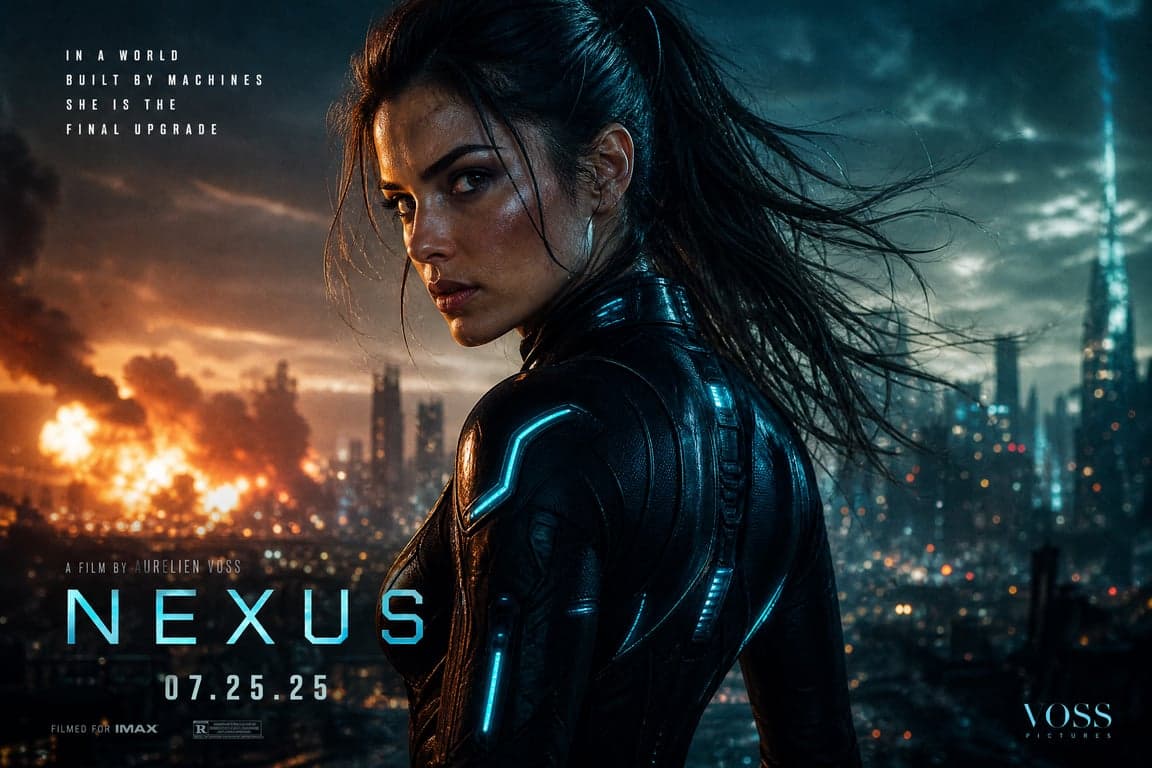
An AI video prompt is a shot, not a portrait with the word "cinematic" taped on. The still tells the model who is in frame. The prompt has to say what moves, what the camera does, and what must stay still. Kling, Veo, Seedance, and Runway all accept that kind of sentence. They do not share one control panel.
This guide is the shared structure, the public differences as of October 2026, and ten prompts you can paste. Three of them are written for Seedance. Duration, aspect ratio, and resolution stay in the app. They are not flags you invent inside the text. If the product you opened disagrees with a line here, follow the product. Names and syntax move.
The six parts of an AI video prompt
Write these in order. Skip a part only when the picture already answers it, which is the usual case for image to video.
Subject. Who or what the shot is about. One person, one object, one animal. A second character is a second problem.
Motion. The action, in the order it happens. "She turns her head" is a motion. "Beautiful woman, epic, trending" is not.
Camera. One move, named in plain words: slow push-in, pan left, tracking beside, crane up, or a locked camera. Two moves in one sentence fight each other.
Light. Where it comes from, and whether it changes. A window at camera left. A neon sign on one cheek. Do not stack "cinematic lighting, dramatic lighting, studio lighting."
Style. One finish: documentary, photographed night street, quiet kitchen. Style is not a pile of quality words.
Negative. What must not appear. Some products give this its own box. Others want the constraint in the sentence. Either way, keep it short: no titles, no extra people, no second camera move.
A portrait prompt can stop at a face. A video prompt that stops at a face produces a slow zoom you did not ask for, because the model has to invent motion. Give it one.
What each model is known to follow
These notes come from public prompt guides, not from a private parameter sheet. Checked in October 2026. They will date.
Kling
Kling's own prompt notes describe a filmed scene: subject, action, setting, camera language, light, and mood, in ordinary sentences. Their camera notes say one main move per shot. Push-in, pull-back, pan, tilt, track, a slow orbit, or a static camera. If the app also has a camera-movement control, set the move there or in the text, not both at once.
Newer Kling video versions, discussed on Kling's own site in 2026, add multi-shot planning and generated audio. That does not mean a secret flag in the prompt. Describe the shot. If you need a second beat, write it as a second shot, not as five camera verbs in one line.
Veo
Google's public Veo 3.1 guide uses five slots: cinematography, subject, action, context, and style. Camera words they publish include dolly, tracking, crane, slow pan, and point of view, plus shot size and depth of field. On Veo versions that generate sound, a specific spoken line goes in quotation marks, with the speaker named. Sound effects and room tone can be written as their own short lines.
Google's image-to-video note is the useful one: the still already has the face, the clothes, and the room. The prompt should describe motion. Their docs also treat a negative prompt as its own field when the product offers one. Aspect ratio is a setting (16:9 or 9:16 on current Veo 3.1 API notes), not a word you hope the model obeys inside the paragraph.
The guide is here: How to create effective prompts with Veo.
Seedance
Seedance is ByteDance's video model. The grammar is not stable across versions, so this page does not print an official parameter table.
What public write-ups of ByteDance's own 2026 notes agree on is the split that matters: Seedance 2.0 follows shot labels (Shot 1, Shot 2) and does not follow clock timestamps. Seedance 2.5 does follow integer-second ranges such as 0-4s. Duration and frame shape belong in the generation controls, not in a made-up flag. Subject and action are the required parts. Scene, style, camera, and sound are optional.
If you do not know which version the button is running, write shots in order and skip timestamps. If you upload more than one file, say what each file is for. "Image 1 is the face. Image 2 is the room." A more detailed Seedance set is in the Seedance prompt examples.
Runway
Runway's Gen-4 help docs tell you to start with the motion, then add camera, subject action, and environment. Their image-to-video guide says the text should describe what happens, not restate the still. A camera that must not move is written as a locked camera that stays still, plus the motion inside the frame. A string of "no movement, no zoom, no pan" is weaker than that positive line. Terms they document include pan, tilt, dolly, push-in, pull-back, tracking, orbit, and handheld. See Runway for the product. Do not paste their sample prompts here. The examples below are written for this site.
10 copy-paste AI video prompts
Paste one block. Set length and frame in the app. If the first result is close, change one line.
1. Kling, slow push-in
A woman in a charcoal coat stands in a quiet stairwell and looks just past
the lens. She takes one breath. Soft daylight from a window at camera left.
Slow push-in from a medium close-up. No other camera move. Natural skin.
No titles.
One move, one light. This is the control shot. If the face warps here, a busier scene will not fix it.
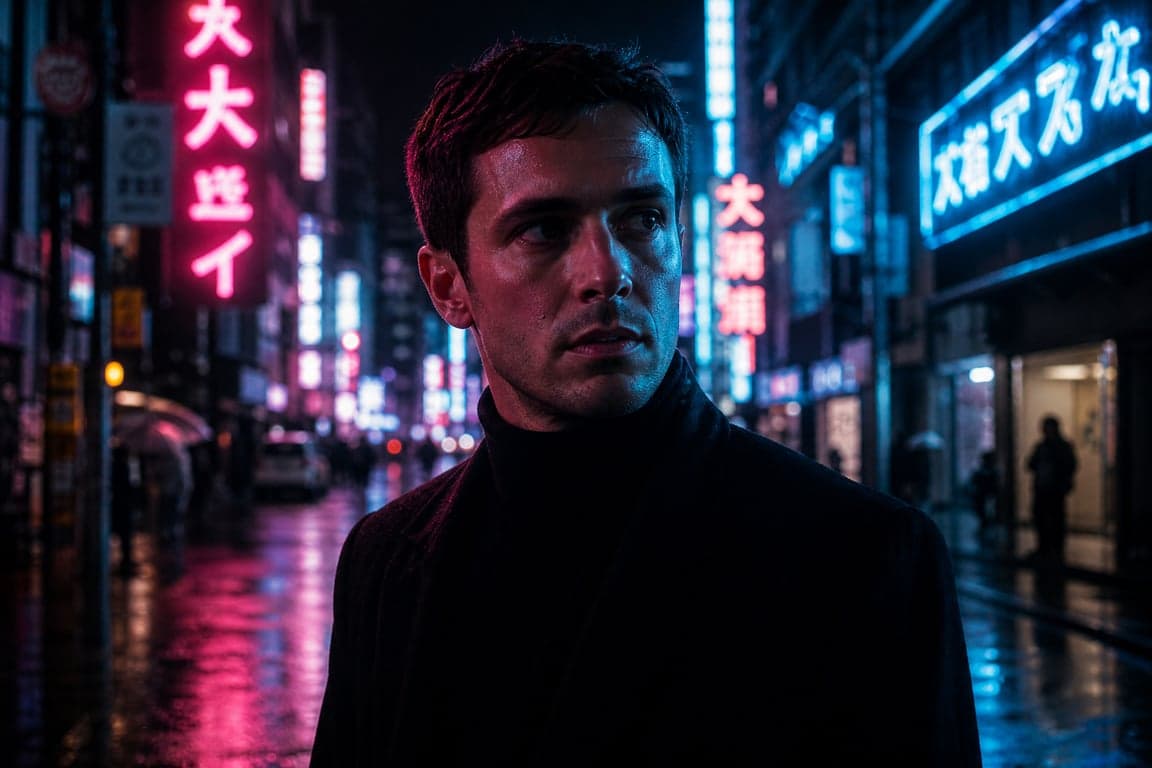
2. Kling, tracking beside
A man walks a wet night street. A neon sign reflects on the pavement. The
camera tracks beside him at walking speed and holds a medium shot. He does
not look at the lens. One camera move. No second light, no zoom.
Tracking is the whole idea. Do not also ask for an orbit.
3. Veo, one spoken line
Close-up, shallow depth of field, warm kitchen light. A man in a linen
shirt looks up from a cutting board and says, "Leave the window open."
He keeps chopping. Ambient noise: a quiet street. No music. No titles.
The line is in quotes and the speaker is named, which matches Veo's public dialogue note. Cut the line if your Veo build has no audio.
4. Veo, motion only from a still
The camera stays at the same height. She turns her head a few degrees
toward the window and blinks once. The curtain moves slightly. Do not
change her face, clothes, or the room.
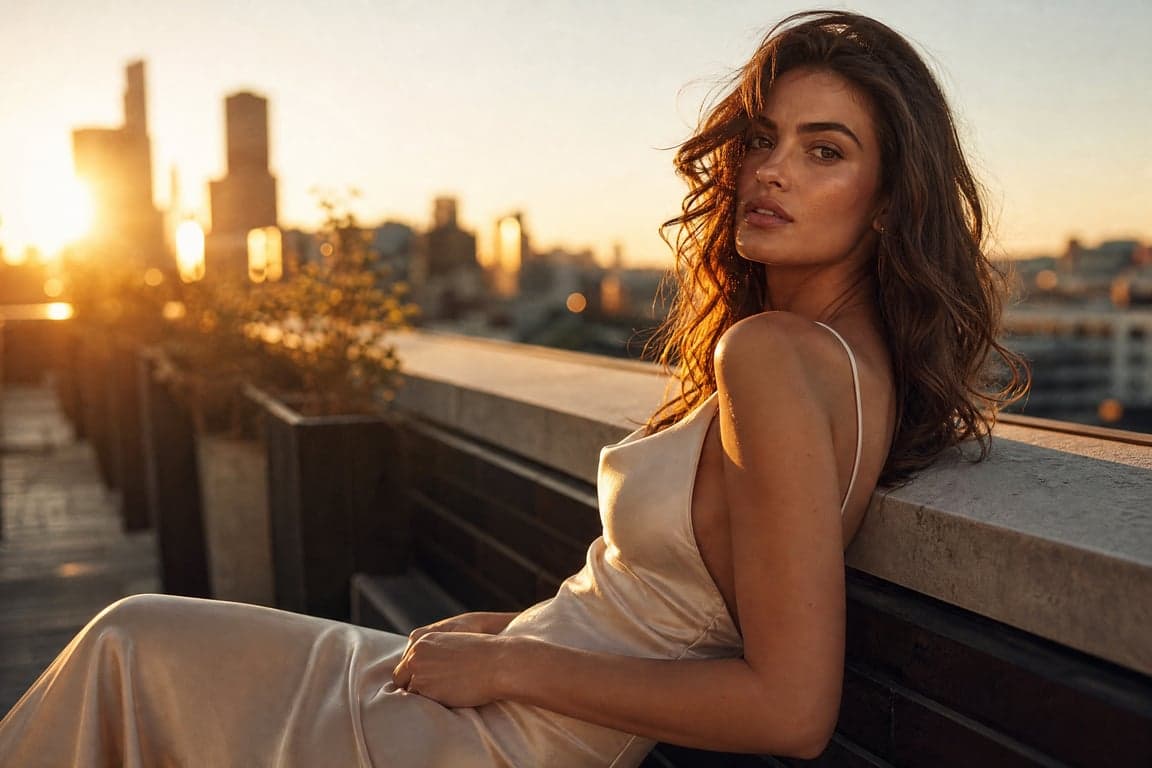
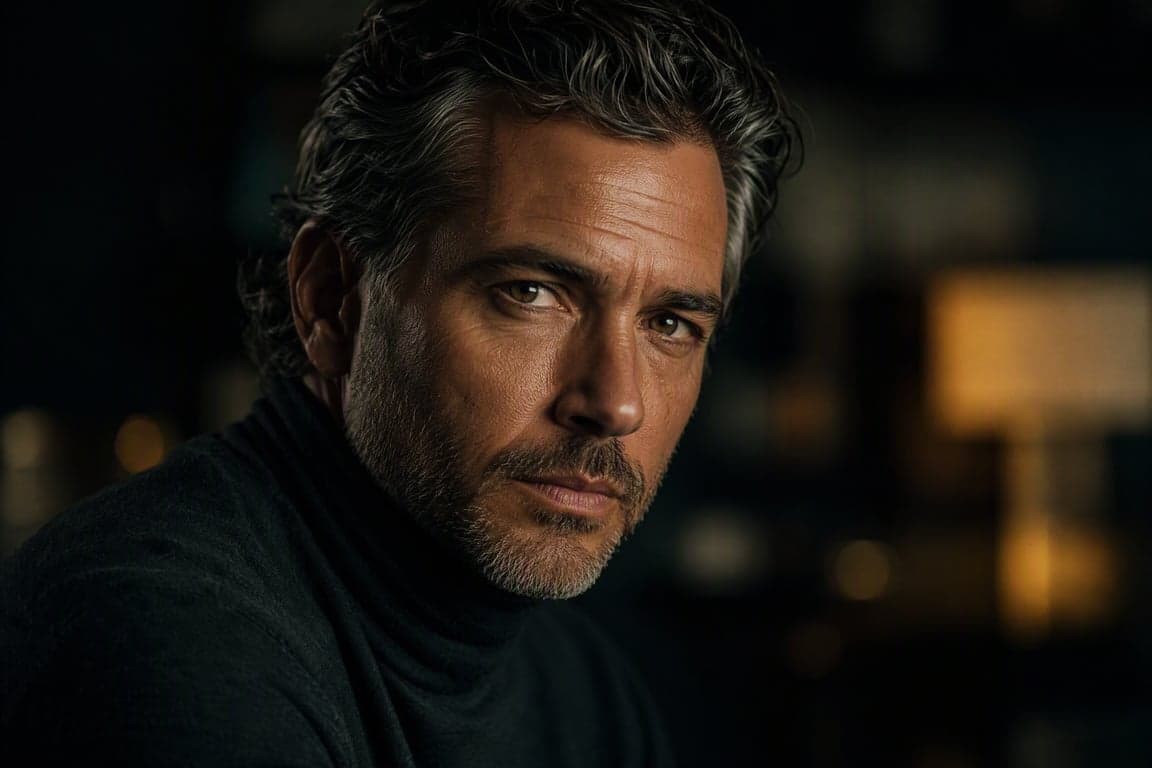
Use this on a still you already like. A cinematic portrait is a reasonable first frame. The prompt should not redesign it.
5. Seedance, shot labels
Shot 1: A chef sets an empty plate on a wooden counter. Medium shot.
Camera still.
Shot 2: The chef drizzles one line of sauce across the plate. Slow push-in.
Shot 3: The chef steps back. The camera pulls out to the plate under a
warm overhead lamp.
Straightforward kitchen footage. No on-screen text.
Shot numbers are the safer Seedance shape when you are not sure the version reads timestamps.
6. Seedance, timestamps only if the version reads them
0-4s: A cyclist waits at a red light. Medium shot. Camera still.
4-9s: The light changes. Slow pan as the cyclist pushes off.
9-14s: The camera tracks beside the cyclist, then eases to a stop.
No titles. No extra riders in the foreground.
On Seedance 2.0, rewrite those ranges as Shot 1, Shot 2, and Shot 3. On a 2.5-style build, the second marks are the point. Do not mix both systems in one prompt.
7. Seedance, labeled references
Image 1 is the woman's face and hair only. Image 2 is the cafe and the
morning window. Do not take her clothes from image 2.
She sits, looks out the window, and lifts a cup. Medium close-up, then a
slight push-in. Natural skin. No extra people.
Say what each file is for. Upload order is not a description.
8. Runway, locked camera
Locked camera. The camera remains still. A paper boat drifts from the left
side of a puddle to the right. Raindrops hit the water. Nothing else moves.
The still camera is stated as a fact, and the motion is the boat. That is the Runway pattern for a shot that should not wander.
9. Runway, slow dolly
The camera dollies slowly forward as a dog lifts its head from a rug and
looks toward a door. Late afternoon light from camera left. No cut.
Start here before you add weather, music, or a second animal.
10. Veo, one crane
Wide shot of a small harbor at dawn. One fishing boat eases away from the
dock. Slow crane up. Cool light, thin mist. No people in the foreground.
No titles.
One boat, one move. A crane plus a drone plus a zoom is three shots pretending to be one.
Image to video, camera movement, and negatives
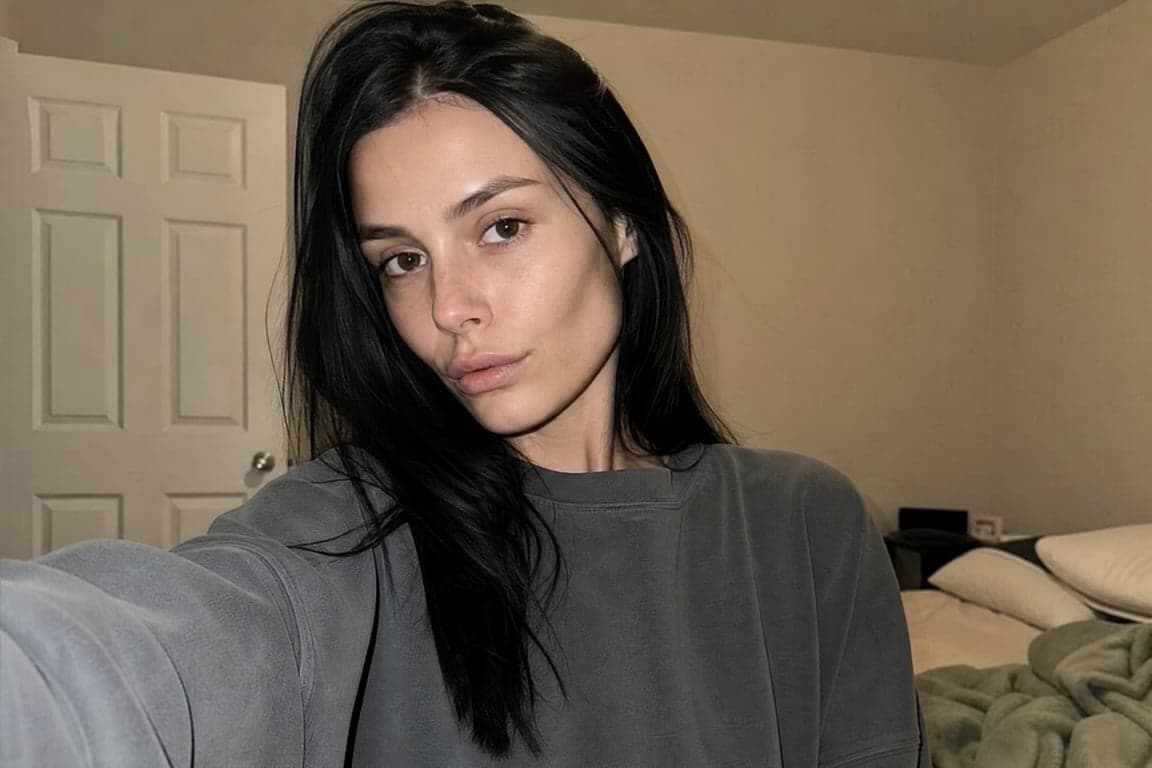
Image to video fails when the prompt redescribes the photograph. The file already has the face and the clothes. Write the change: a blink, a turn, cloth in a draft, a camera that pushes in. If you need the person to stay recognizable, say the face and skin tone stay as they are in the still. That is the same idea as a portrait lock, applied to motion.
Camera movement prompts should name speed and direction. "Slow push-in" beats "dynamic camera." "Pan left until the door is in frame" beats "cinematic pan." One move. If you need a second, make it the next shot.
Negatives stay short. "No titles. No extra people. No zoom." Where the app has a negative box, put them there. Where it does not, put them at the end of the prompt. Do not paste a paragraph of banned adjectives. Video models are also a poor place to render a logo or a sentence of type. Add words in an editor.
FAQ
Will one prompt work in Kling, Veo, Seedance, and Runway?
The subject, the action, and a single camera move usually transfer. Timestamps, shot numbers, quoted dialogue, and reference labels do not. Keep the shot. Drop the syntax that belongs to another model.
Where do I set length and aspect ratio?
In the app or the API, not as a fake flag in the sentence. Public Veo 3.1 notes expose aspect ratio as a setting. Seedance write-ups say the same about duration and ratio. Kling and Runway put length in the interface too. If you write "8 seconds" in the prompt, treat it as a hope, not a control.
How do I keep a face from changing once the clip starts?
Start from a clear still. In the motion prompt, say the face and skin tone stay as in the image, and describe only the small action. A large head turn, a new hairstyle, and a new room in the same clip is how identity slips.
Which model should I use for on-screen text?
None of these, if the letters have to be right. Generate the shot without titles. Set type afterward. A video prompt that asks for a logo usually misspells it and moves the camera to make room.
Copy the same shots, with a model tag and a copy button, from the AI video prompts collection. Seedance-only variants are in the Seedance prompt examples.
Back to all guides