Guide · 8 min read
Composition in AI Portraits: Framing, Crop & Angle Guide
Master composition in AI portraits. Rule of thirds, leading lines, negative space, framing, and crop ratios explained with copy-paste prompt language.
Published August 10, 2026 · Updated August 10, 2026
Composition is how elements are arranged within the frame. In AI portrait generation, composition is controlled through prompt language — where you place the subject, how much of the frame they fill, and what surrounds them. This guide covers the composition principles that produce professional-looking AI portraits.
Why composition matters in AI portraits
A portrait with great lighting but poor composition still looks amateur. Composition controls:
- Where the viewer's eye goes — the subject should be the focal point
- How the portrait feels — tight crops feel intimate, wide crops feel environmental
- How it works on different platforms — Instagram needs 4:5, LinkedIn needs 1:1, stories need 9:16
AI models understand composition language. When you write "subject positioned right of center, negative space on the left," the model arranges the frame accordingly. When you do not specify composition, the model defaults to centered subjects with balanced backgrounds — which is fine but generic.
The composition toolkit
1. Rule of thirds
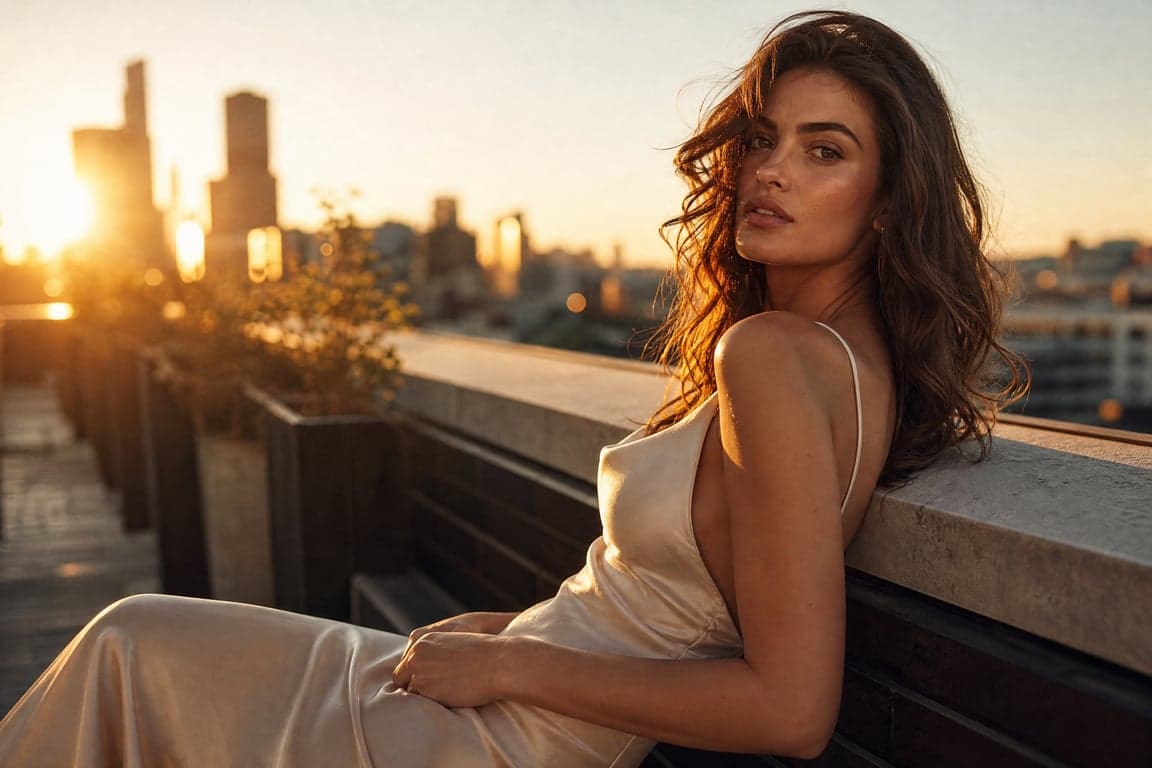
The frame is divided into a 3x3 grid. The subject is placed on one of the intersecting lines, not dead center. This creates visual tension and interest.
Prompt language: "Subject positioned slightly left of center, aligned with the left third of the frame. Negative space on the right side of the frame."
Best for: Editorial portraits, environmental portraits, lifestyle content. Most of our cinematic prompts use off-center composition.
2. Centered composition
The subject is dead center, symmetric and balanced. This creates formality and directness.
Prompt language: "Subject centered in the frame, symmetrical composition, direct eye contact with camera."
Best for: Professional headshots, LinkedIn photos, beauty portraits. The LinkedIn Pro Headshot and High-Key Studio Portrait use centered composition.
3. Negative space
Large areas of empty space around the subject. This creates a sense of isolation, minimalism, or breathability.
Prompt language: "Subject positioned in the lower left third, large area of negative space in the upper right. Minimalist composition with breathing room."
Best for: Minimalist fashion portraits, editorial spreads, advertising layouts where text will be added. The Minimalist Fashion Portrait uses negative space effectively.
4. Leading lines
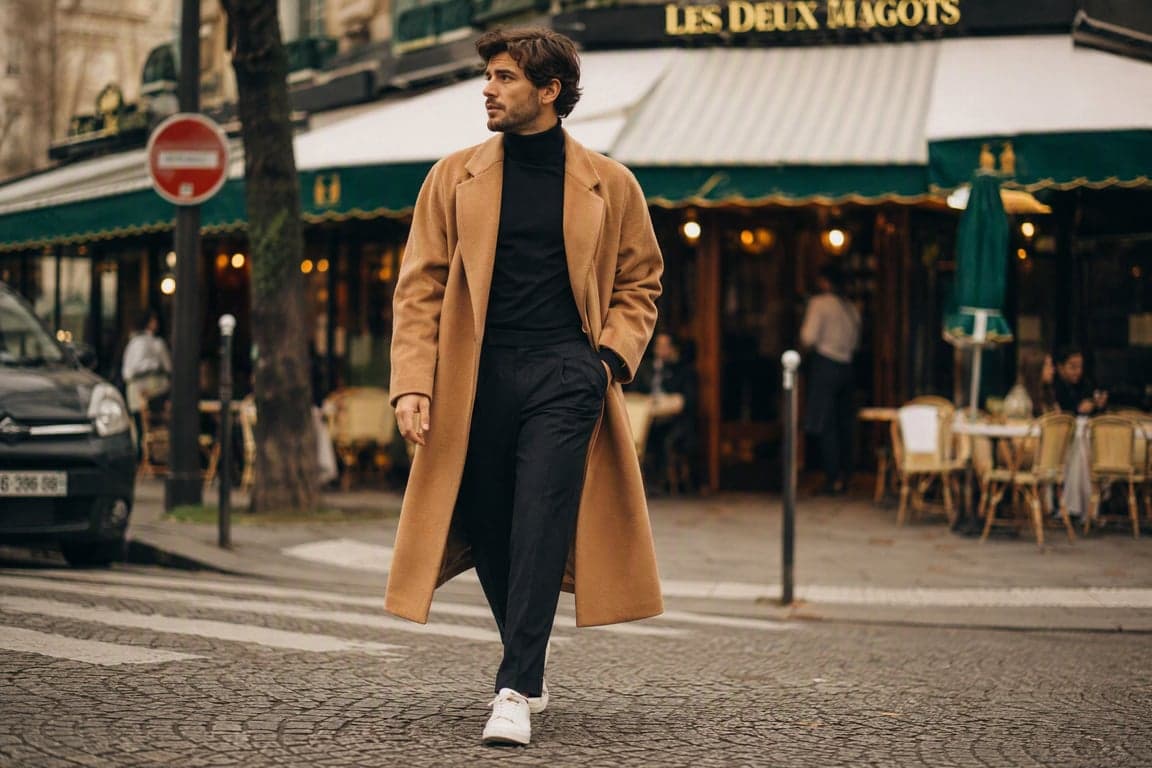
Lines in the environment (streets, buildings, fences, shadows) that lead the eye toward the subject.
Prompt language: "Subject at the end of a city street, building lines converging toward the subject, leading lines drawing the eye to the face."
Best for: Street style portraits, environmental portraits, urban lifestyle content. The Street Style Editorial Portrait uses environmental leading lines.
5. Framing within the frame
Using elements in the environment (doorways, windows, arches, mirrors) to frame the subject within the larger composition.
Prompt language: "Subject framed within a doorway, architectural frame around the subject, natural vignette created by the doorway edges."
Best for: Cinematic portraits, environmental portraits, storytelling imagery. The Rainy Window Portrait uses window framing, and the Viral Car Mirror Selfie uses the car mirror as a frame.
6. Dutch angle
The camera is tilted, creating a diagonal horizon line. This adds dynamism and unease.
Prompt language: "Slight Dutch angle, camera tilted 5 degrees to the right, diagonal composition."
Best for: Edgy, dynamic portraits. Use sparingly — too much tilt looks gimmicky. The Neon City Night Portrait can benefit from a slight Dutch angle for a cyberpunk feel.
Crop ratios and when to use them
| Ratio | Use case | Prompt language |
|---|---|---|
| 1:1 | LinkedIn, profile photos, Instagram feed | "Square crop, face centered, head-and-shoulders framing" |
| 4:5 | Instagram feed, Pinterest | "Vertical 4:5 crop, waist-up framing, subject slightly below center" |
| 3:2 | Editorial, print, website headers | "3:2 horizontal crop, environmental portrait with landscape context" |
| 2:3 | Fashion editorial, magazine, Pinterest | "2:3 vertical crop, full-body fashion editorial framing" |
| 9:16 | Stories, Reels, TikTok | "9:16 vertical crop, subject centered, full upper body visible" |
| 16:9 | Website headers, YouTube thumbnails | "16:9 widescreen crop, subject left of center, wide environmental context" |
Subject placement guide
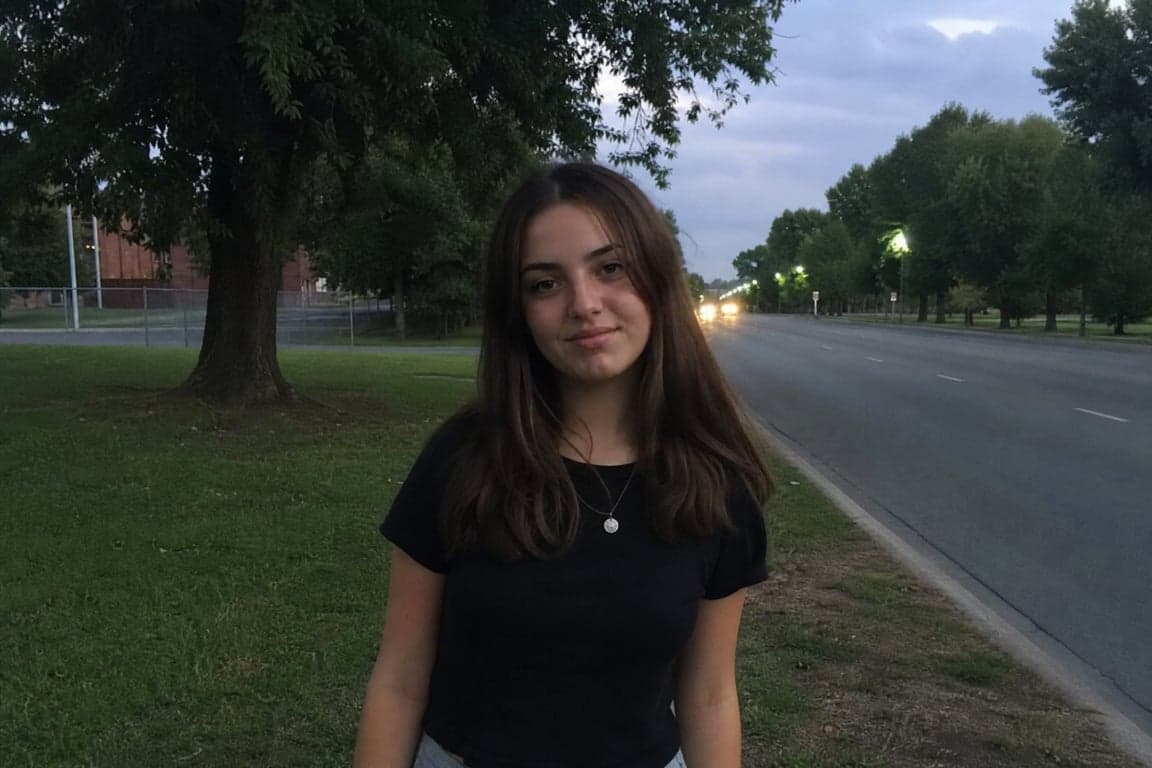
Tight headshot (face fills 70%+ of frame)
- Lens: 85mm
- Crop: Top of head to collarbone
- Composition: Centered or slightly off-center
- Best for: LinkedIn, professional headshots, beauty portraits
- Example: Professional Headshot Portrait
Medium portrait (waist-up)
- Lens: 50-85mm
- Crop: Waist to top of head
- Composition: Rule of thirds, subject off-center
- Best for: Editorial, fashion, lifestyle
- Example: Golden Hour Editorial Portrait
Environmental portrait (3/4 or full body)
- Lens: 35-50mm
- Crop: Full body or three-quarter body with significant environment
- Composition: Rule of thirds, leading lines, framing within frame
- Best for: Lifestyle, street style, storytelling
- Example: Street Style Editorial Portrait
Camera angle and its emotional effect
| Angle | Emotional effect | Prompt language |
|---|---|---|
| Eye level | Neutral, honest, intimate | "Camera at eye level, direct and honest perspective" |
| Slightly below (low angle) | Powerful, heroic, imposing | "Camera slightly below eye level, 5-degree low angle, subject looks slightly down at camera" |
| Slightly above (high angle) | Vulnerable, soft, intimate | "Camera slightly above eye level, 5-degree high angle, subject looks slightly up at camera" |
| Bird's eye | Detached, observational | "Camera directly above, looking down at subject" (rare for portraits) |
| Worm's eye | Extreme power, monumentality | "Camera very low, looking up at subject from below" (use sparingly) |
Common composition mistakes
Mistake 1: No composition instruction
If you do not specify composition, the model centers the subject with balanced space. This is not wrong, but it is generic. Always describe subject placement and framing.
Mistake 2: Wrong crop for the platform
A 2:3 fashion editorial crop looks awkward on LinkedIn. A 1:1 headshot crop wastes space in an Instagram Story. Generate separate portraits for each platform. The Instagram Aesthetic Portrait is a useful starting point for platform-specific crop guidance.
Mistake 3: Too much background
When the environment is too detailed, it competes with the subject. Use shallow depth of field (f/2.0-f/2.8) to blur the background and keep attention on the face. Our cinematic portrait guide covers depth of field and camera direction.
Mistake 4: Subject too small in frame
For portraits, the subject should fill at least 50% of the frame. If your prompt generates tiny subjects in vast landscapes, add "tight crop" or "subject fills 60% of frame."
Mistake 5: Cropped at joints
Avoid cropping at the neck, wrists, knees, or ankles — it creates an amputated look. Crop between joints: mid-forearm, mid-thigh, mid-torso. Write "crop at mid-torso" or "waist-up crop" for clean framing.
Putting composition into your prompts
Here is how composition language fits into the 6-layer prompt framework:
[Subject] A confident woman in a charcoal blazer, warm smile, direct eye contact.
[Environment] Modern coworking space with floor-to-ceiling windows.
[Lighting] Soft natural daylight from camera left.
[Camera] 85mm lens, f/2.8, shallow depth of field.
[Composition] Subject positioned slightly right of center, aligned with right third of frame. Negative space on the left with blurred window background. Tight head-and-shoulders crop. Camera at eye level.
[Color] Kodak Portra 400 warm tones, gentle contrast.
[Finish] Natural skin texture, fine film grain.
Notice that composition comes after camera and before color — it uses the camera language (lens, aperture) as a foundation and sets up the color and finish layers.
Read our AI portrait prompt guide for the complete 6-layer framework.
Start with tested compositions
The fastest way to learn composition is to study tested prompts. Browse our full gallery and note how each prompt handles subject placement, crop, and camera angle. Copy a prompt, then change only the composition to see how the portrait transforms.
Back to all guides