Guide · 7 min read
1980s Photo Prompt for ChatGPT: 10 Copy-Paste Prompts for the Viral '80s Trend
The viral ChatGPT 1980s photo trend explained — how it works, 10 ready-to-copy '80s portrait prompts (Bollywood, family album, disco, yearbook, synthwave), and tips for keeping your face intact.
Published September 13, 2026 · Updated September 13, 2026
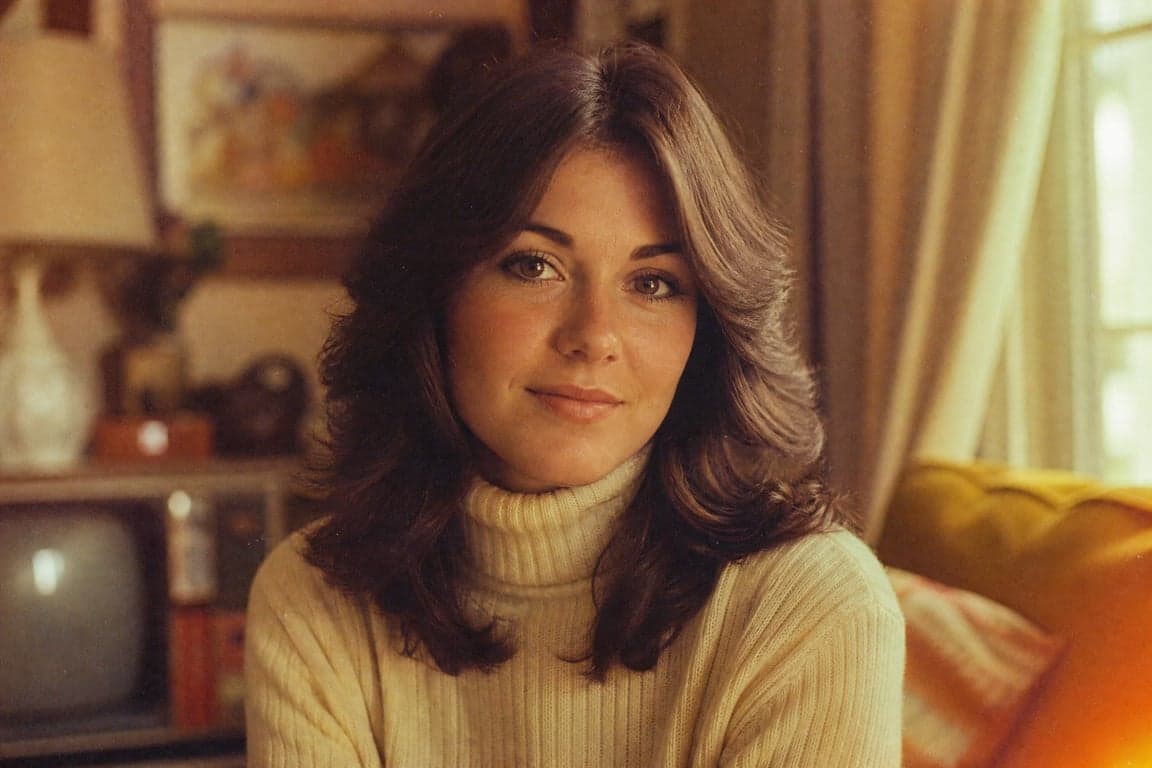
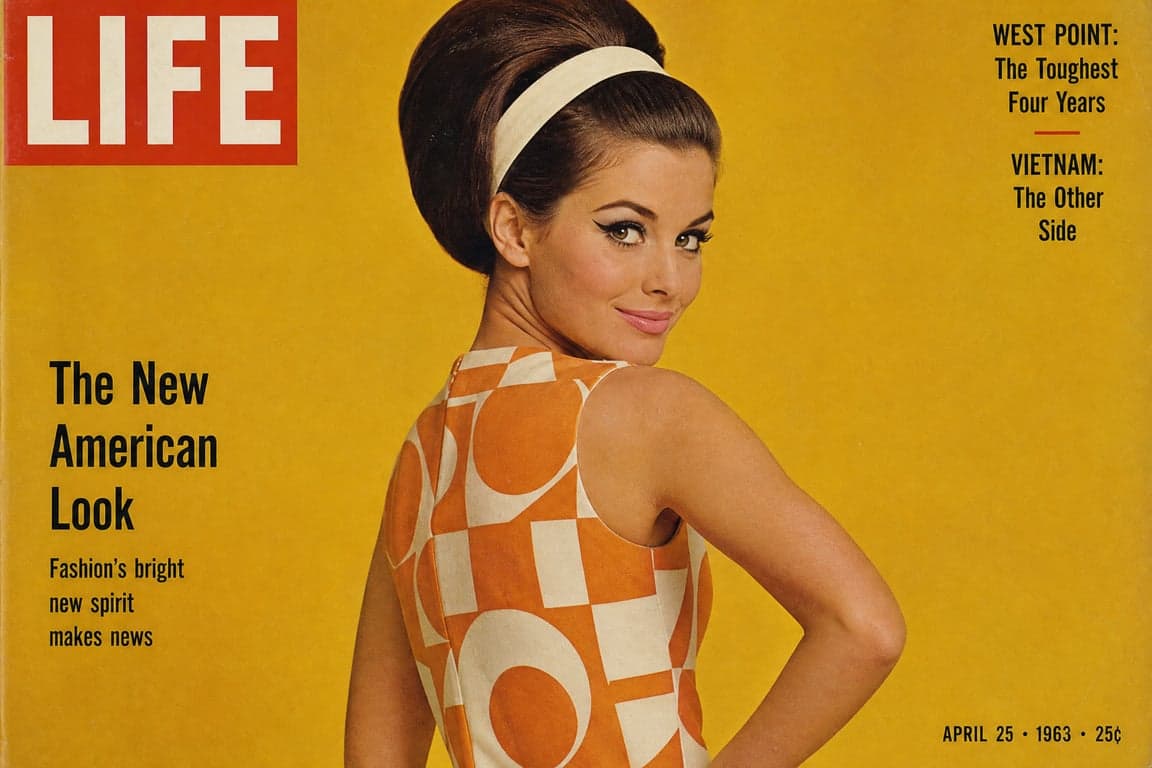
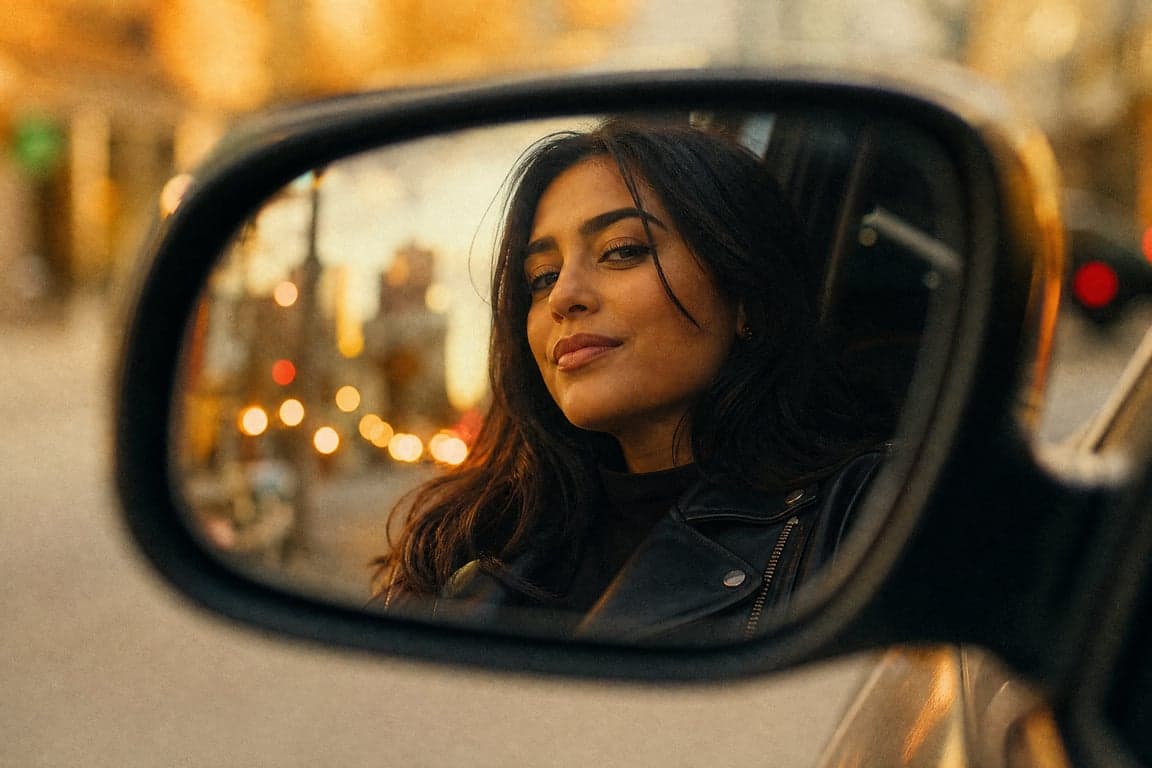
Instagram has turned into a time machine. This week's viral ChatGPT 1980s photo trend takes your modern selfie and rebuilds it as a portrait straight out of 1986 — voluminous hair, bold outfits, warm studio light, and that unmistakable film grain. It's the biggest AI photo trend since the Ghibli-style wave, and it's being driven almost entirely by one thing: a good prompt.
Here's exactly how the trend works, ten copy-paste prompts for the most popular looks, and the tricks that separate convincing results from "obvious vintage filter."
What is the '80s photo trend?
You upload a photo to ChatGPT and ask it to reimagine the image as a photograph taken in the 1980s. Done right, the AI keeps your face and skin tone intact while transforming everything else: hair, clothing, accessories, background, lighting, and color response. The result looks like a real photo from the era — not a modern picture with a filter slapped on.
The trend spread through Instagram's "Add Yours" sticker and Reels (one person's retro portrait chains into everyone's), jumped to TikTok, and picked up celebrity participation along the way. A distinctly South Asian flavor — Bollywood studio portraits, family-album shots, '80s film-hero looks — has given it extra staying power in India and Pakistan, and it works with Google Gemini too, though ChatGPT remains the dominant tool.
How to do the 1980s photo trend (3 steps)
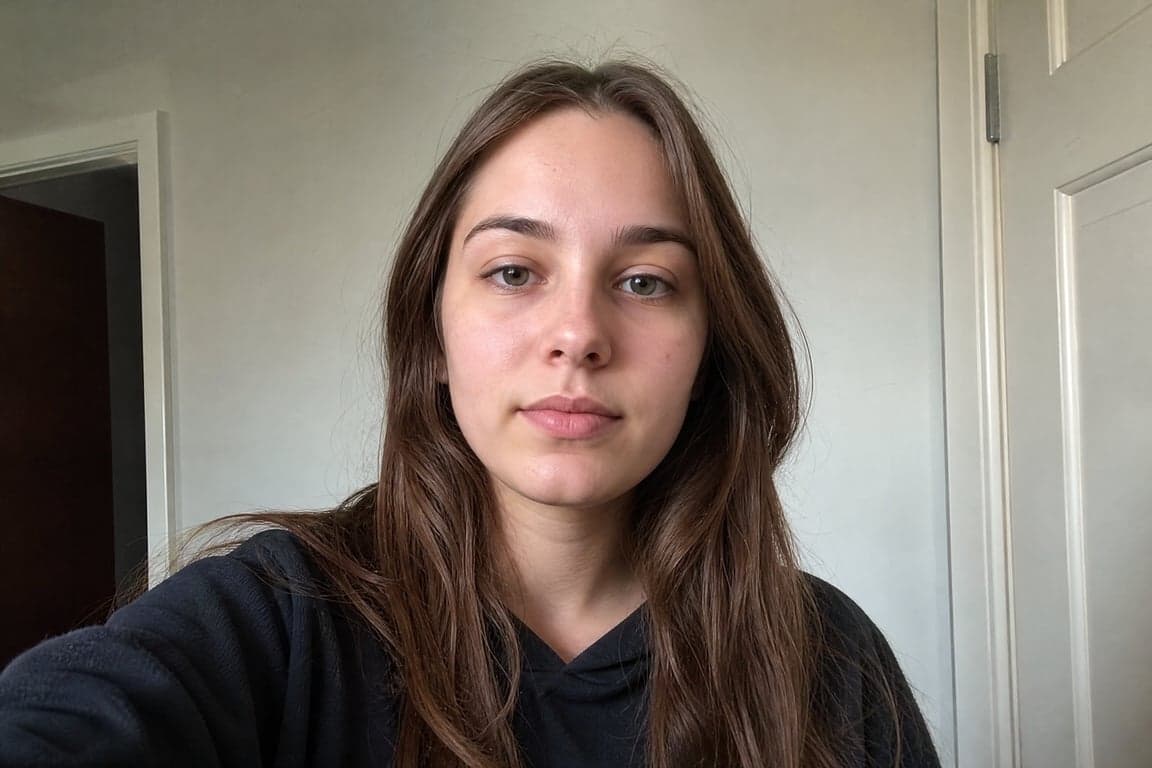
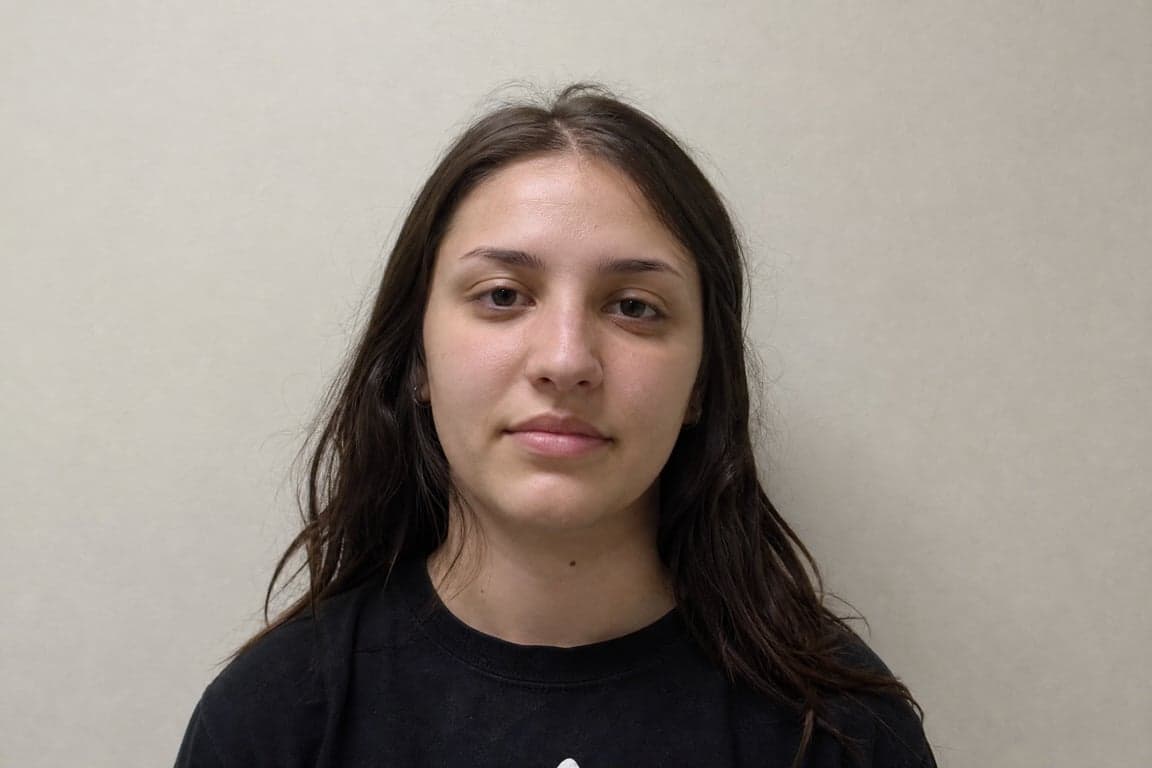
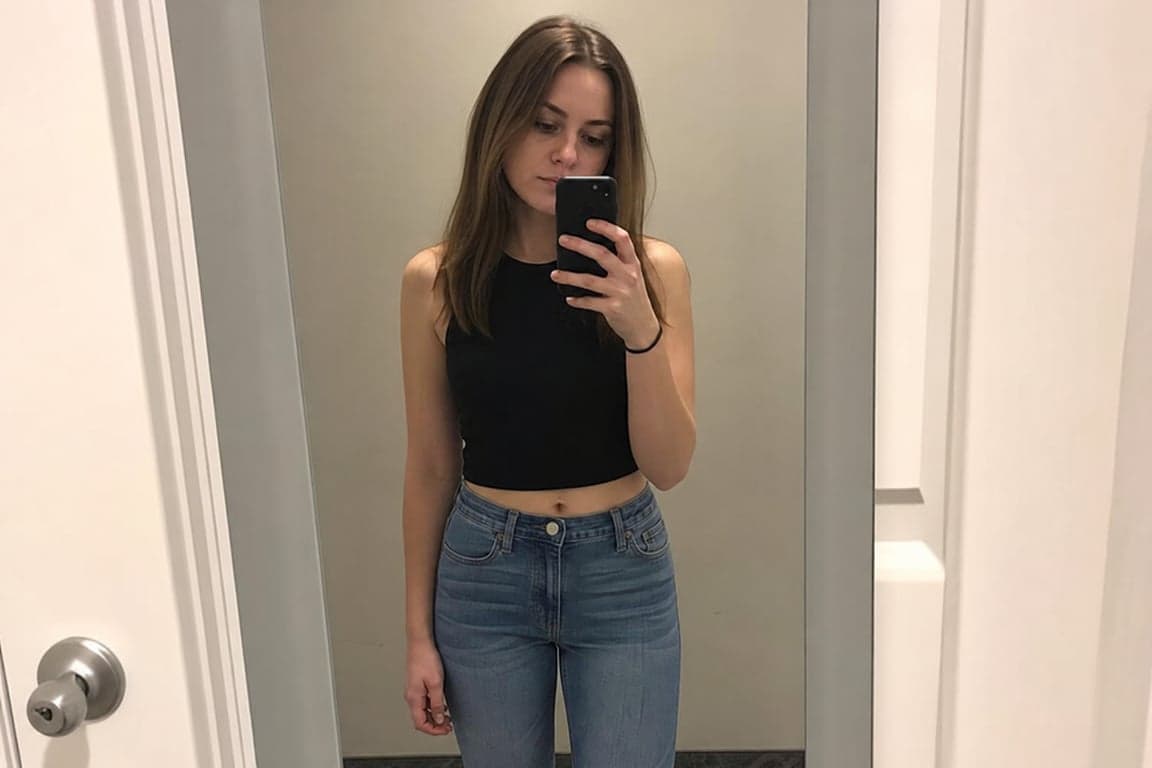
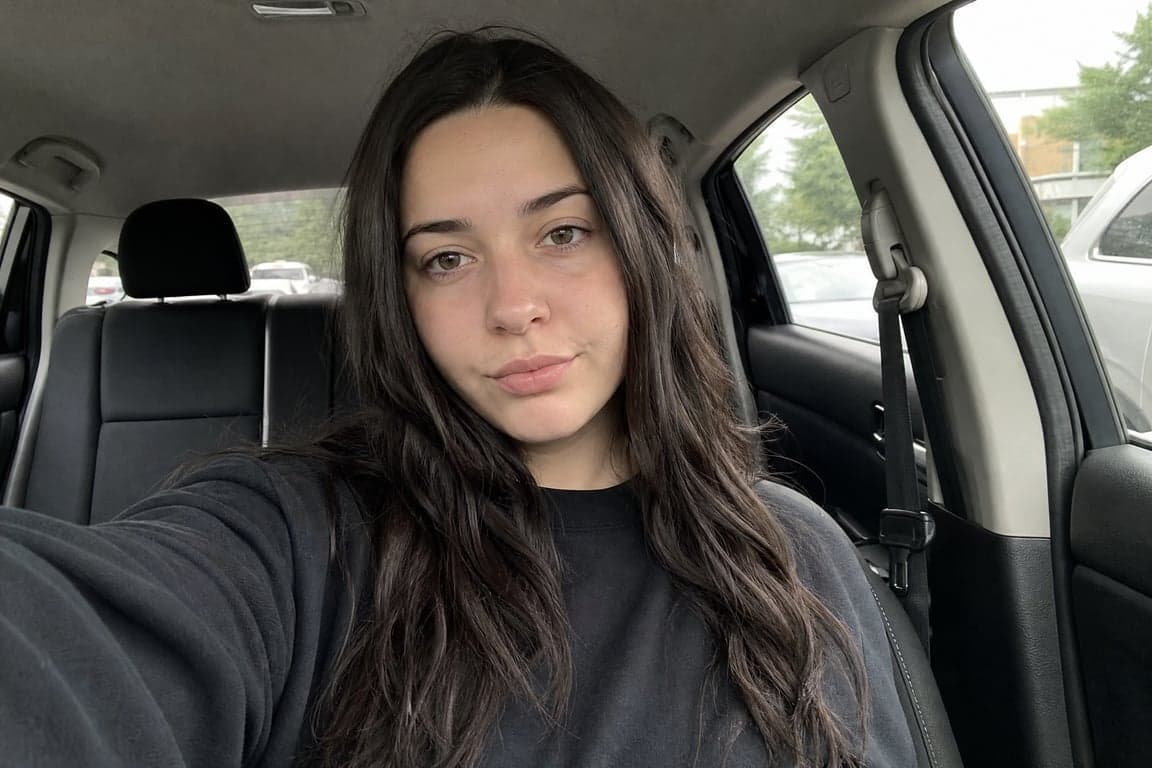
- Upload a good photo. Open ChatGPT, start a new chat, tap the + button. A well-lit, front-facing shot with a clean background gives the most realistic results.
- Paste a prompt that specifies the era. Don't just say "make this look like the 1980s" — that gets you a generic output. Name the decade's details: hair, outfit, backdrop, lighting, film grain (the prompts below handle this for you).
- Add the two magic instructions: keep facial features and natural skin tone unchanged, and make it look like a real 1980s photograph, not a modern image with a vintage filter. These two lines are the difference between viral-quality and mediocre.
10 copy-paste 1980s photo prompts
1. The classic (the prompt that started the wave)
Reimagine this image as a realistic portrait from an '80s movie. Preserve my
recognizable facial features and natural skin tone. Add period-appropriate
voluminous hair, colored clothing, statement jewelry, warm studio lighting,
subtle analogue film grain, and slightly faded colors — make it look like a
real photograph taken in the 1980s, not a modern image with a vintage filter.
2. Bollywood studio portrait
Turn this photo into a realistic 1980s Bollywood studio portrait. Keep my face
and facial features recognizable. Give me authentic 1980s Indian clothes, hair
and accessories. Use warm studio lighting, soft focus and a little natural film
grain. Keep the colors realistic, like a photograph taken on an analogue camera
at the time. Don't change my facial structure or make me look like a different
person.
3. Bollywood heroine (glamour shot)
Turn this photo into a glamorous 1980s Bollywood heroine portrait. Keep my face
recognizable and natural. Give me big, voluminous 1980s hair, a colorful sari
and statement jewelry. Put me in a classic Indian studio setting with warm
lighting and soft focus. Add subtle analogue film grain and realistic colors.
Make it look like an actual Bollywood publicity photograph from the 1980s.
4. Bollywood hero
Recreate this photo as an authentic 1980s Bollywood hero portrait. Keep my face
and identity unchanged. Give me a period-appropriate hairstyle, a mustache if
it suits the look, a tucked-in shirt and high-waisted trousers. Use a classic
studio backdrop, warm lighting and slightly faded film colors.
5. Family album
Make this photograph look as though it was taken for a family album in the
mid-1980s. Keep my face, expression and identity natural. Change the clothes,
hairstyle, accessories and background to fit the period. Keep the setting
simple and believable, like an ordinary family photograph. Add soft lighting,
natural film colors and slight grain. It should look like a real old
photograph, not an over-edited vintage picture.
6. Retro wedding photo
Reimagine this photo as a vintage 1980s wedding photograph. Keep my facial
features and skin tone exactly as they are. Style me in period-appropriate
wedding attire, add classic '80s hairstyling and floral details, use soft warm
flash lighting typical of wedding photographers of the era, and finish with
authentic 35mm film grain and slightly faded pastel tones.
7. Disco-era party portrait
Transform this photo into a late-1970s/early-1980s disco party portrait. Keep
my face and natural skin tone. Give me era-correct party clothes, big hair,
and place me in a disco setting with colorful dance-floor lighting and a
slight haze. Use direct on-camera flash look, warm tones, and authentic
analogue film grain.
8. '80s yearbook portrait
Turn this photo into a 1980s American high-school yearbook portrait. Keep my
facial features and skin tone unchanged. Give me period-appropriate hair and
clothing, place me against the classic mottled blue studio backdrop, use flat
even lighting with slight lens softness, and add subtle film grain and faded
color typical of 1980s school photography.
9. Neon synthwave portrait
Recreate this photo as a 1980s neon synthwave-style portrait. Preserve my
recognizable face and natural skin tone. Style me in '80s fashion, place me
against a retro cityscape at night with neon signs, add pink and cyan rim
lighting, slight atmospheric glow, and analogue film grain — like a still
from an '80s movie, not a digital render.
10. Old magazine cover shoot
Reimagine this photo as a 1980s fashion magazine cover shoot. Keep my face and
skin tone natural and recognizable. Give me editorial '80s styling — bold
outfit, statement accessories, sculpted hair — with dramatic studio lighting,
rich saturated film colors, subtle grain, and space at the top for a magazine
masthead.
Pro tips for better results
- Face-lock phrasing matters. "Keep my facial features and natural skin tone unchanged" + "don't change my facial structure" belongs in every prompt. Without it, the model drifts toward a generic face.
- Kill the filter look. The phrase "a real photograph taken in the 1980s, not a modern photo with a vintage filter" consistently improves authenticity.
- Ask for specific film behavior. "35mm film grain," "slightly faded colors," "soft focus," and "direct flash" each nudge the texture toward a real camera. Pick two or three per prompt.
- Iterate, don't restart. If the first result is close, refine with targeted edits ("make the hair more voluminous," "reduce the modern elements in the background") instead of re-rolling from scratch.
- Era details sell it. Naming period-accurate items (high-waisted trousers, statement jewelry, mottled yearbook backdrop) anchors the model in real 1980s visual vocabulary.
A quick privacy note
This trend means uploading your face to an AI platform. Avoid photos containing documents, addresses, or other people who haven't agreed; remember images may be used to improve future models; and be thoughtful about transforming photos of others without consent. (Google's Gemini adds visible watermarks and invisible SynthID markers to AI images; ChatGPT currently doesn't — so retro portraits made with it are hard to distinguish from real '80s photos, which is part of both the fun and the risk.)
Want more prompts like this?
These ten prompts are just one decade. Our full prompt collection covers portrait styles across eras and aesthetics — curated prompt sets ready to copy. The '80s trend will fade; a good prompt library won't.
More reading: How to Preserve Identity in AI Portrait Generations · 35mm Film Grain Portrait prompt · Vintage 70s Film Portrait prompt
Back to all guides